
Posted in

Hostinger Review: Building My First Website (And What I Learned Along the Way)

Hostinger Review: Building My First Website (And What I Learned Along the Way)

Hostinger Website Builder Review: How I Built My First Site with AI (Step-by-Step)

If you’re like me — just starting out and staring at the idea of “building a website” like it’s some sort of magic trick — you’re going to love what Hostinger (or hostiger? 😅) has built.

I had zero coding knowledge, limited design skills, and a basic business idea. And yet, in just under an hour, my first website was live — thanks to the Hostinger Website Builder and its built-in AI tools.

Step 1: Understand the 4-Step Website Launch Process

Hostiner breaks down the entire website creation process into just four super-simple steps. This helped me feel confident before I even started clicking buttons.
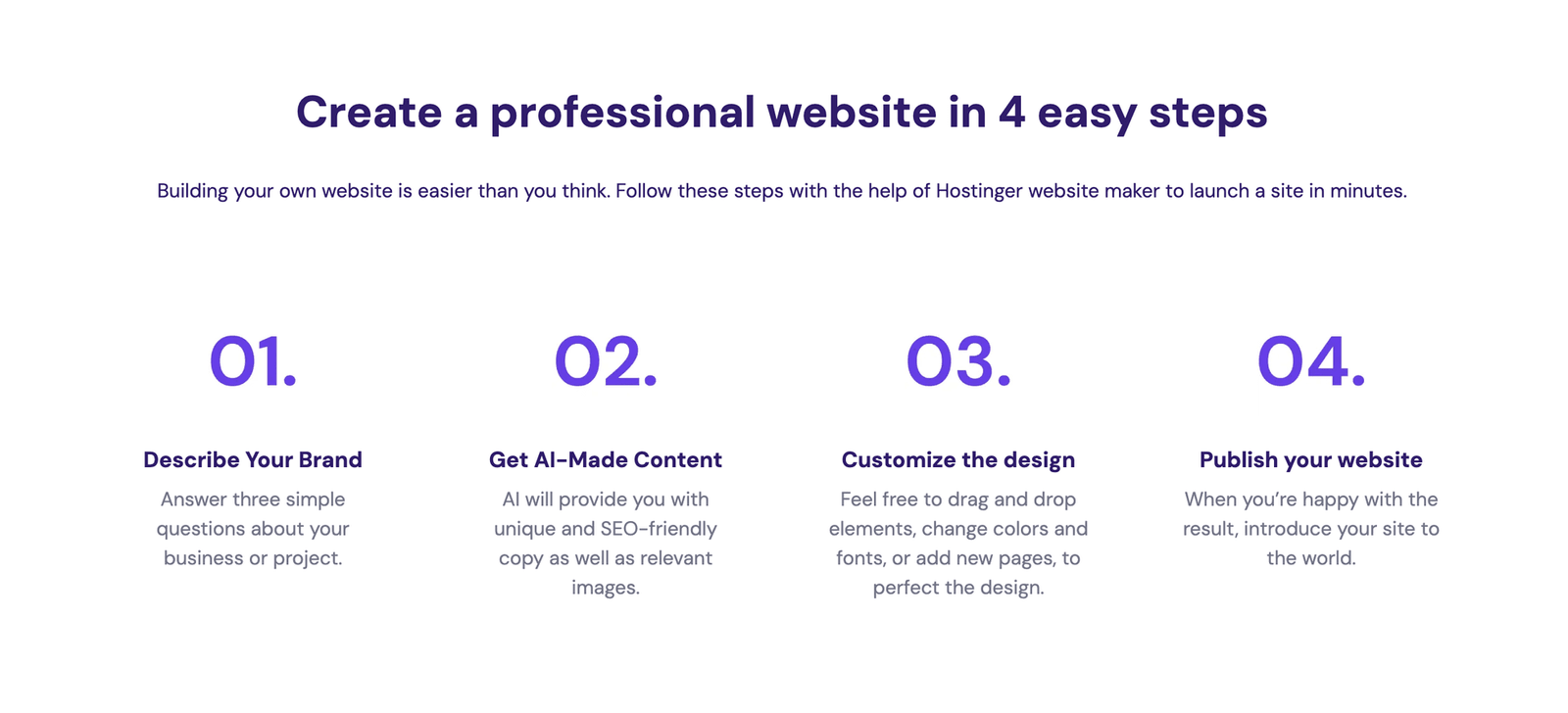

Hostinger 4 Steps Website Builder

Step 2: Explore the AI Website Builder (My Favorite Part)

I answered three questions: brand name, website type, and a short description. That was it. Then the AI whipped up a homepage, colors, structure — and real content too!
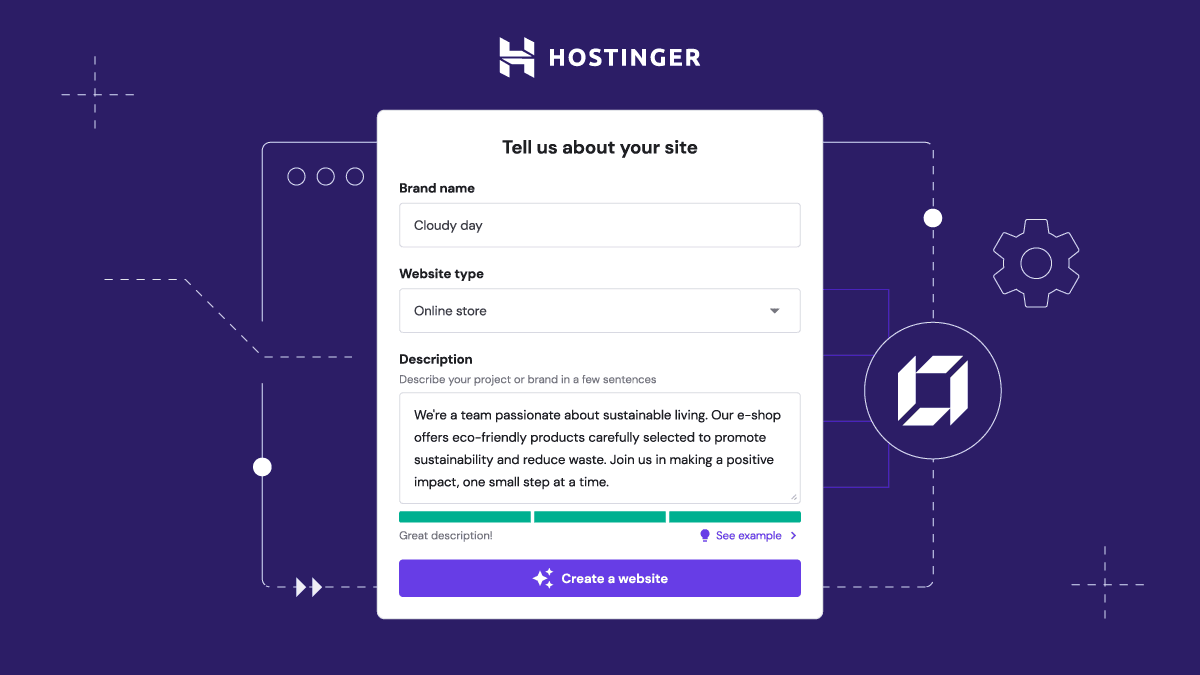

Hostinger AI site generator form

Step 3: Watch the Magic Happen — Site Being Built

Watching it auto-generate was lowkey magical. You can literally see it pulling elements together. I took a screenshot at 47% progress. Wild.
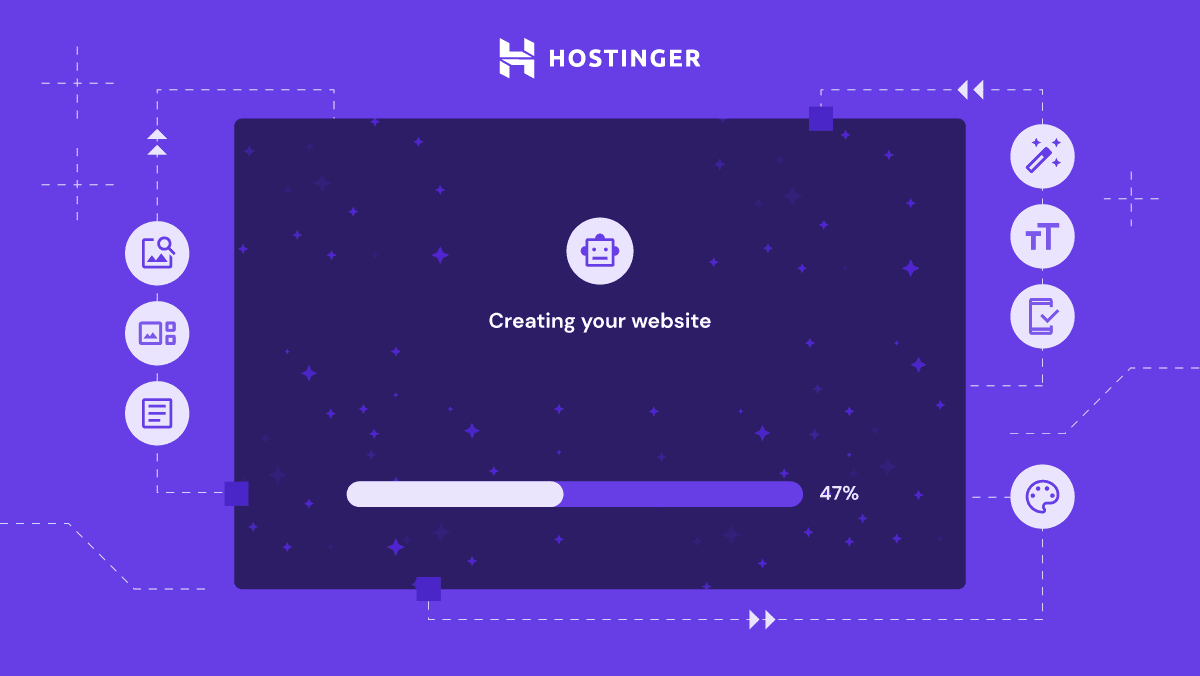

Creating your website progress bar Hostinger

Step 4: Customize the Look (Templates Galore!)

Once the base site was ready, I jumped in to edit the text, colors, and layout. Hostinger’s prebuilt templates helped me find a style I loved right away.
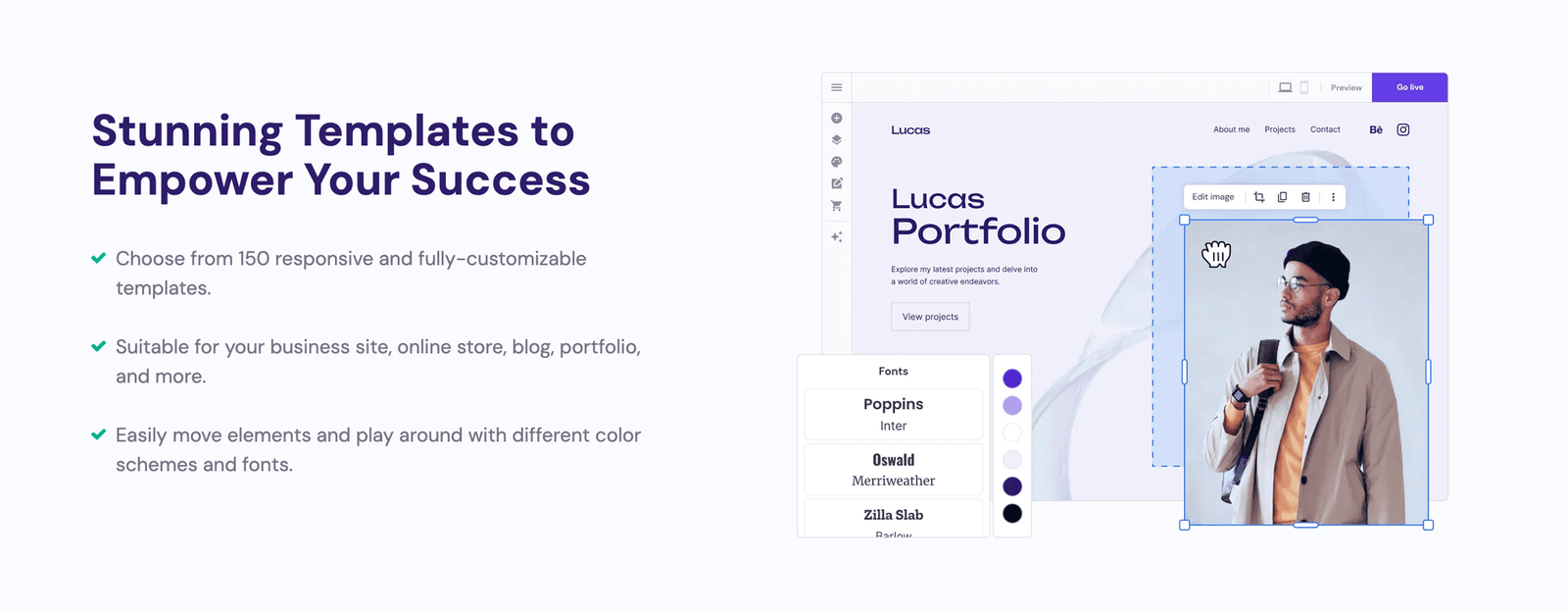

Hostinger template editor options

Step 5: Pick a Website Type — AI vs WordPress

This is where I had to decide: AI-powered builder or traditional WordPress. The AI route was perfect for me — fast, visual, and simple. WordPress is better if you want more control or plugins later.
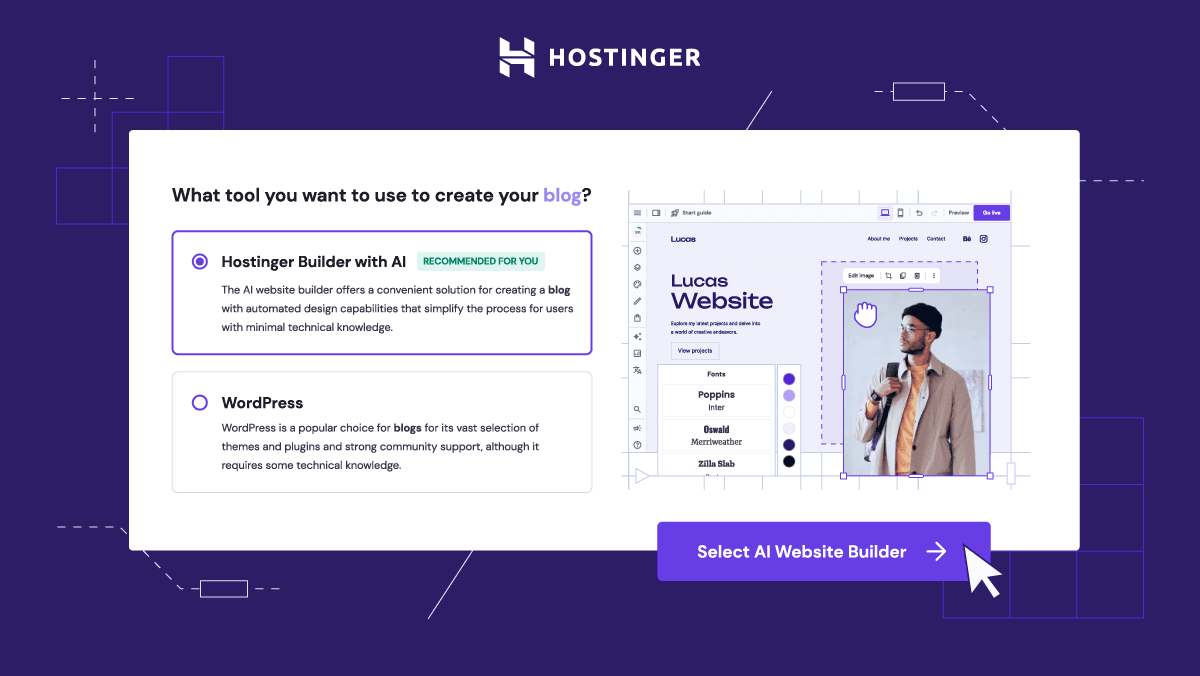

Hostinger website builder options AI or WordPress

Step 6: eCommerce Mode (Optional, but Powerful!)

I gave the eCommerce version a shot too — and it impressed me. Inventory management, order tracking, even checkout features — all included.
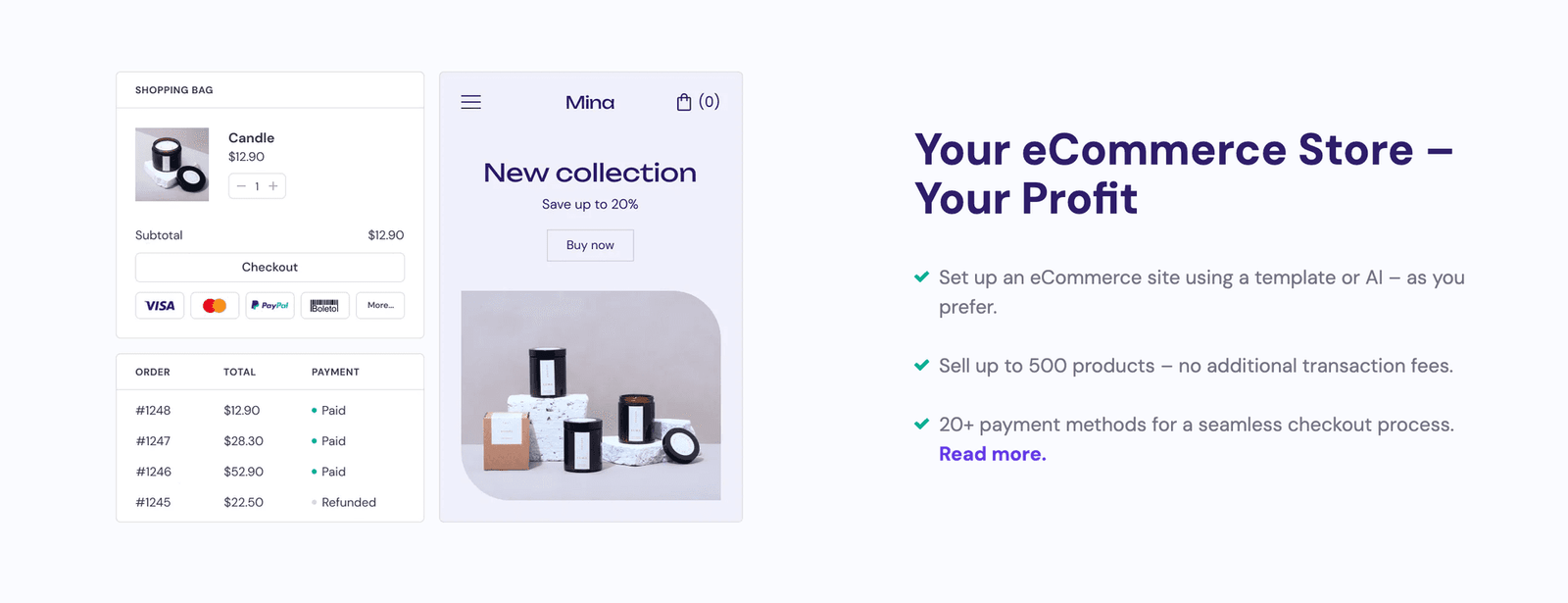

Hostinger ecommerce builder example

Step 7: Play with Templates (Live Example)

This was a live demo of a car wash site I edited in “Full Edit Mode.” Everything is drag-and-drop. No coding. Just move blocks, tweak colors, and you’re done.
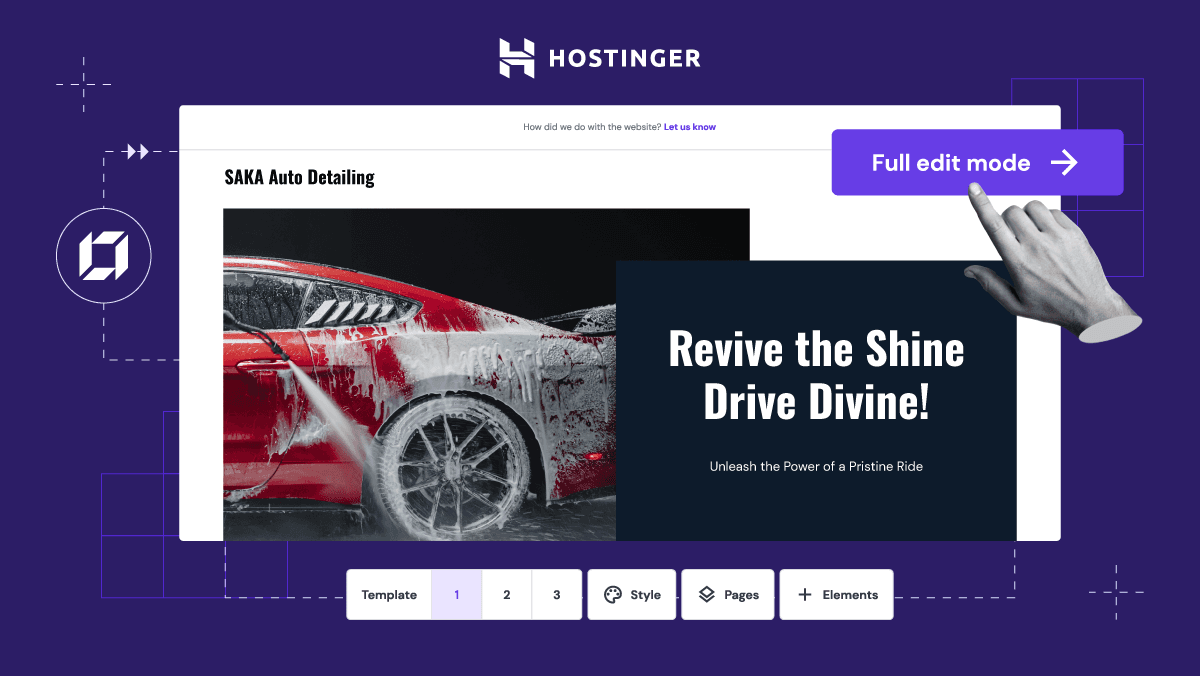

Hostinger car wash template editor

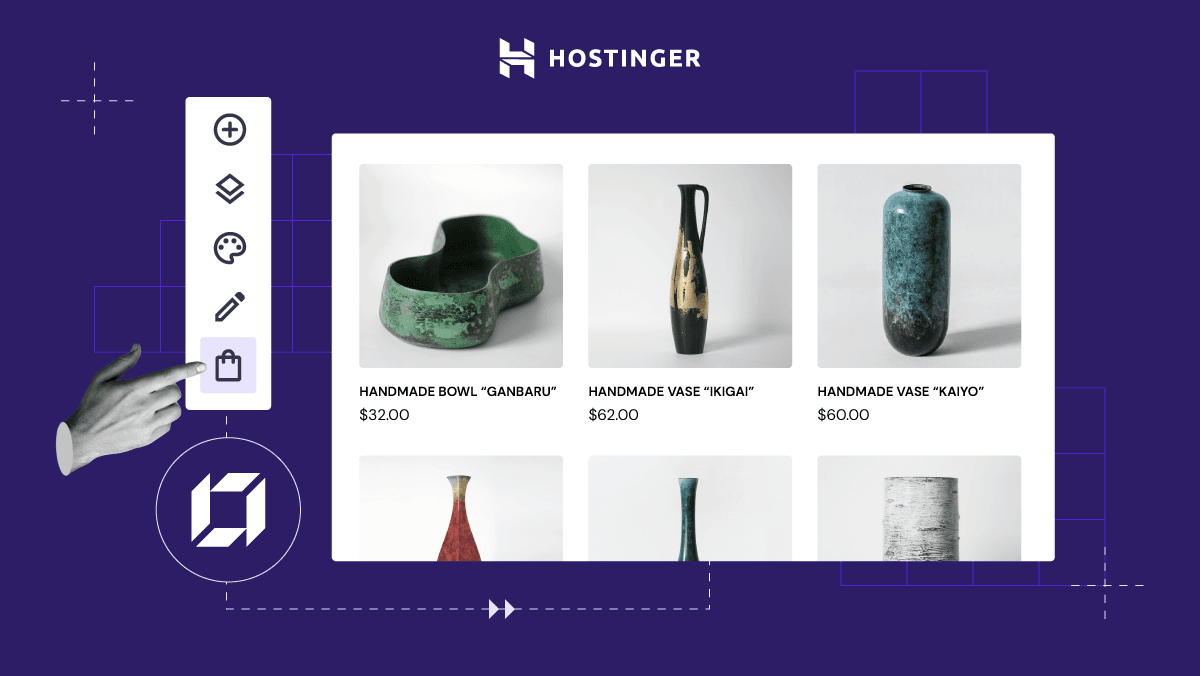
Step 8: Online Store Layouts Are Beautiful

Hostiger offers clean store templates that feel modern. Great if you’re selling handmade products or dropshipping.

Hostinger drag drop store builder

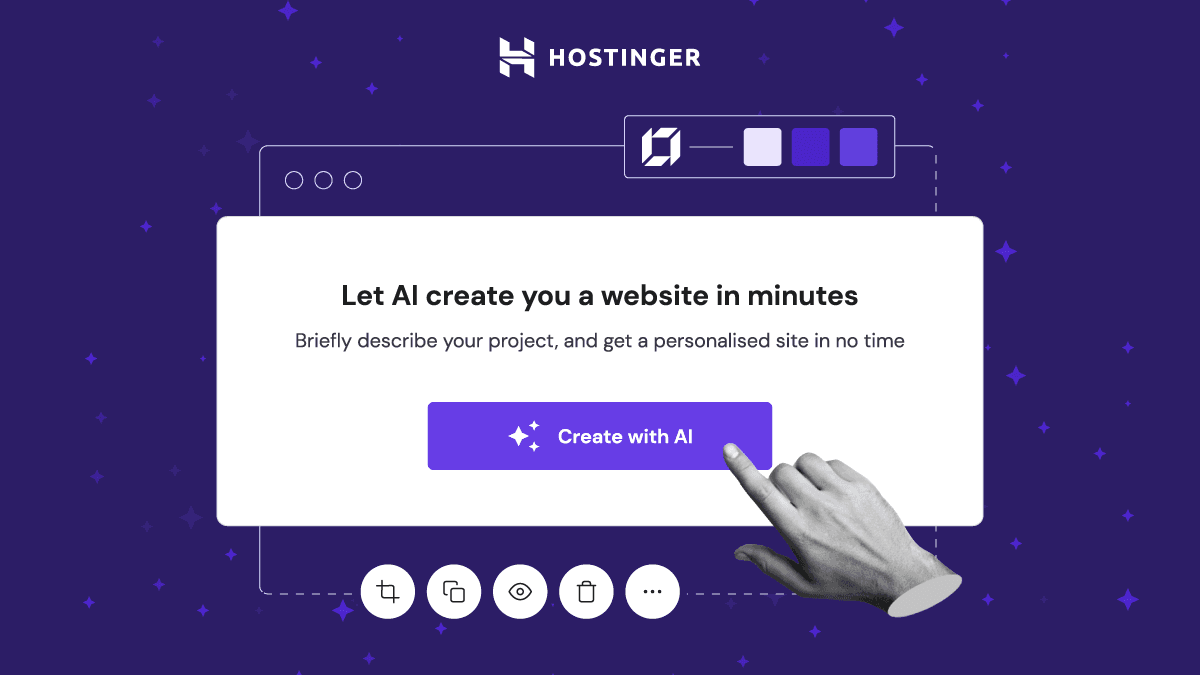
Step 9: Final AI Builder Call-to-Action

If you’re short on time or tech skills, this is the best starting point. The builder is sleek, beginner-proof, and gives you results fast.

Create your site with AI Hostinger

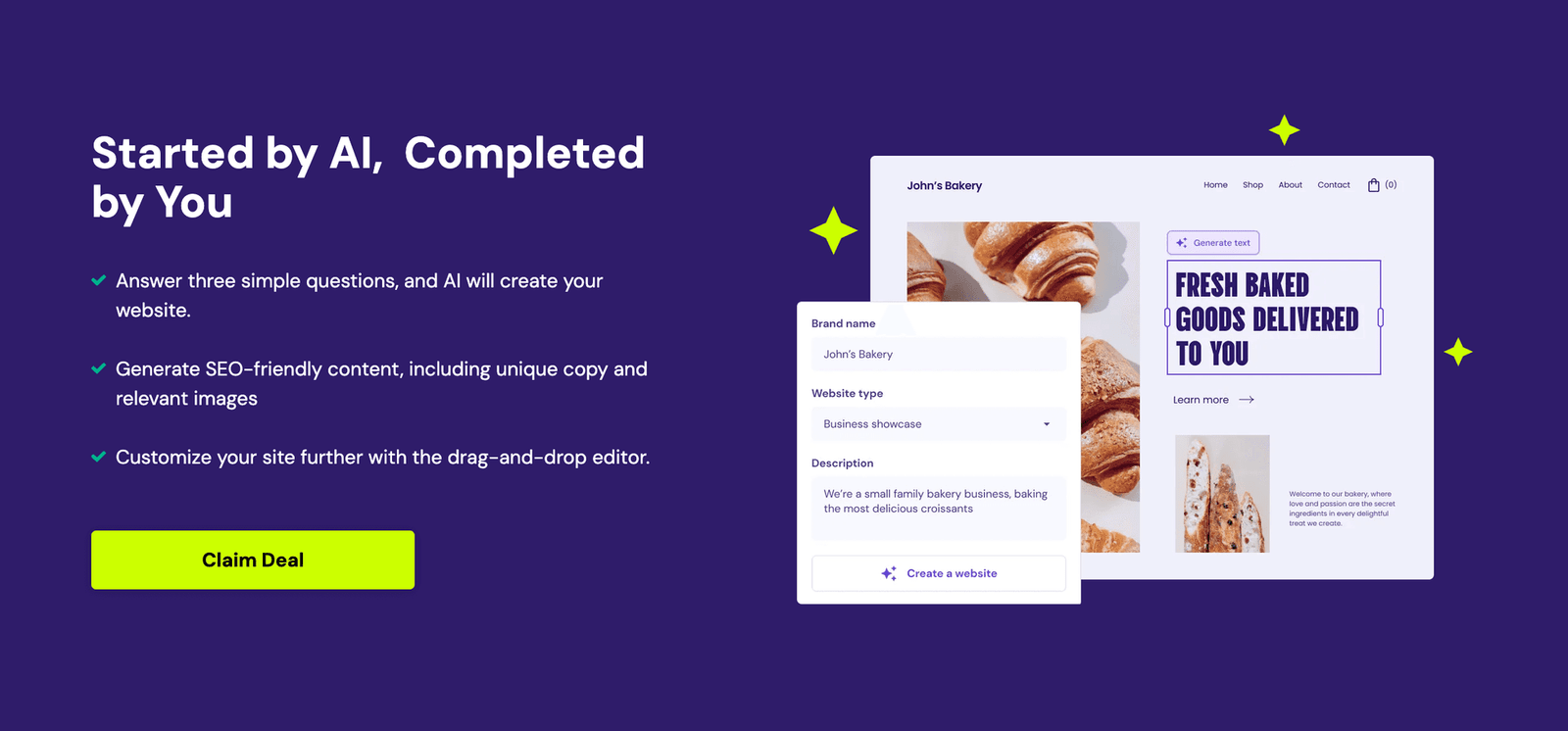
Bonus: Highlight Banner from Hostiger

One of the official promotional banners made me chuckle. I had to include it:

Hostinger create site with AI banner

Web Infrastructure Analyst

📝 Writer
Raleigh, North Carolina 4 years experience 60 articles

Marcus Sterling believes that a website is only as strong as the infrastructure supporting it. As a Web Infrastructure Analyst with exactly 4 years of hands-on experience, Marcus has transitioned from a junior systems administrator to a specialized consultant focusing on high-performance hosting environments. He holds certifications including CompTIA Server+ and the AWS Certified Cloud Practitioner, credentials that back his deep dives into managed WordPress hosting and server security hardening. Over the last 4 years, Marcus has helped dozens of small businesses migrate away from bloated, unreliable shared hosting to streamlined, scalable solutions. His writing is defined by a desire to act as an experienced mentor, guiding readers through the technical weeds to avoid the 'cheap hosting trap' that sinks so many digital projects. When he isn’t benchmarking server response times or auditing security protocols, Marcus is likely exploring the hiking trails around Raleigh, North Carolina, or perfecting his pour-over coffee technique. He brings a no-nonsense, practical perspective to every guide, ensuring that technical jargon never stands in the way of a fast, secure website.

Expertise: Managed WordPress Hosting Server Security Hardening CDN Implementation Database Optimization Load Balancing
4 Years Experience Verified Testing Process
Credentials & Expertise
Experience: 4 years in the field
Education: BS in Information Technology, North Carolina State University
Certifications: CompTIA Server+, AWS Certified Cloud Practitioner, Google Cloud Digital Leader

Marcus Sterling believes that a website is only as strong as the infrastructure supporting it. As a Web Infrastructure Analyst with exactly 4 years of hands-on experience, Marcus has transitioned from a junior systems administrator to a specialized consultant focusing on high-performance hosting environments. He holds certifications including CompTIA Server+ and the AWS Certified Cloud Practitioner, credentials that back his deep dives into managed WordPress hosting and server security hardening. Over the last 4 years, Marcus has helped dozens of small businesses migrate away from bloated, unreliable shared hosting to streamlined, scalable solutions. His writing is defined by a desire to act as an experienced mentor, guiding readers through the technical weeds to avoid the 'cheap hosting trap' that sinks so many digital projects. When he isn’t benchmarking server response times or auditing security protocols, Marcus is likely exploring the hiking trails around Raleigh, North Carolina, or perfecting his pour-over coffee technique. He brings a no-nonsense, practical perspective to every guide, ensuring that technical jargon never stands in the way of a fast, secure website.